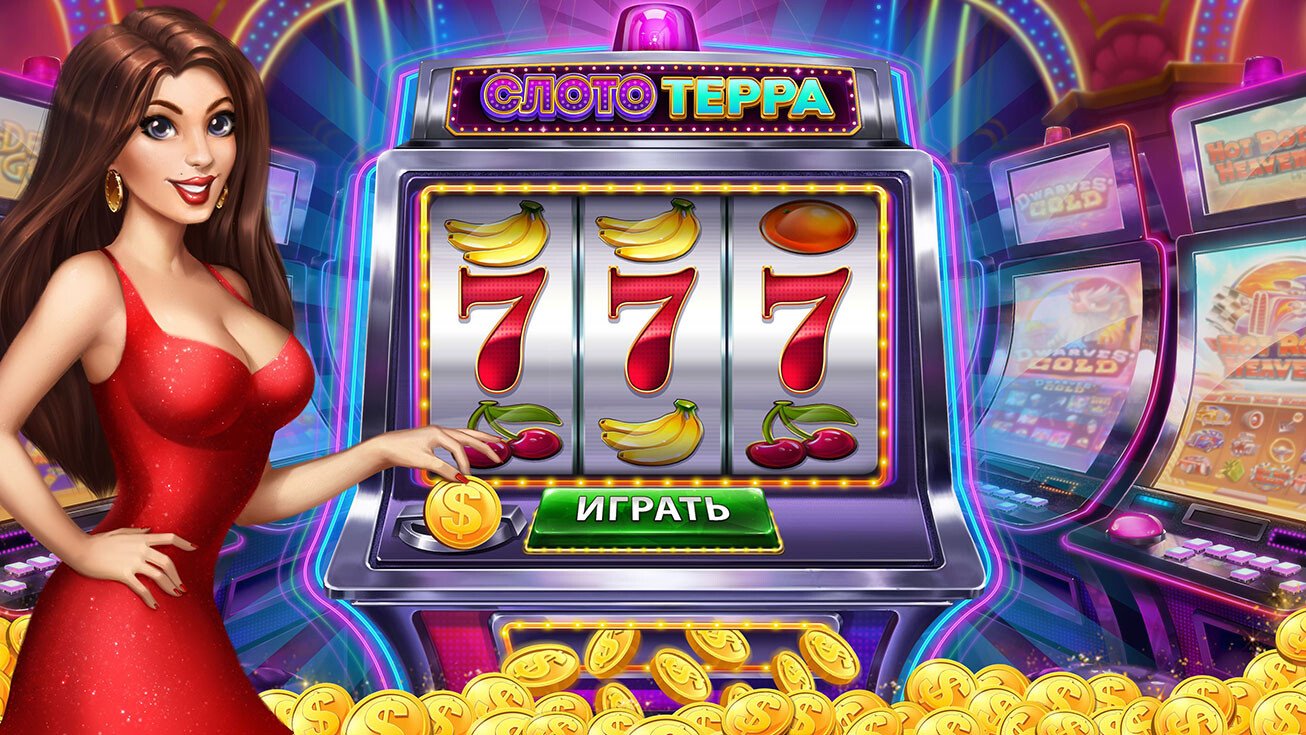
Why does playing through the 1198 app make a difference?
There is a real difference between accessing a gaming platform through a mobile browser and having a dedicated app installed. It is not just a matter of aesthetics — it is a change that directly affects performance, game loading speed and everyday convenience. The app from 1198 was developed to get the most out of your phone's hardware, resulting in smoother animations, faster response times, and an experience that feels more polished from start to finish.
When you open the 1198 on Android or iOS, slot loading is faster than in a conventional browser — especially on 4G connections. Games with heavier graphics, such as Megaways with cascading symbols or Pragmatic Play slots with animated scenes, run more smoothly because the app uses native operating system resources instead of relying solely on the browser engine.
Exclusive in-app notifications and promotions
One of the key advantages of having the app installed is access to push notifications. The 1198 uses this channel to notify users about flash promotions, reload bonuses, temporary free spins, and new additions to the game library. Those who follow through the web version tend to find out about these offers with a delay — and for time-limited promotions, that can make a difference.
Notifications are fully configurable within the app itself. If you prefer to receive only withdrawal confirmation alerts and do not want to be interrupted by promotions, simply adjust the preferences in the account settings section.
Tip: Enable notifications right after installing the app from 1198. Exclusive promotions for app users tend to have short time windows — and being the first to know makes all the difference.

The 1198 app is available for Android and iOS with a mobile-optimized interface.
Security in the app: what is protected?
A common concern players have before installing any gaming app is security. The 1198 uses SSL encryption for all communications between your phone and the platform's servers. This means your login data, payment information, and betting history are transmitted securely and cannot be intercepted by third parties.
For Android, the APK of the 1198 is distributed directly through the official website, with no intermediaries. This ensures you are installing the authentic and up-to-date version of the app, free from unauthorized modifications or additions. Always verify that the download link comes from within the 1198 website 1198 before starting the installation.
On iOS, the Progressive Web App (PWA) model used by the 1198 also operates within Safari's secure environment, taking advantage of Apple's native protections. The icon added to the home screen works as a shortcut to the secure site — it is not a third-party app that accesses your system data.
Deposit and withdraw via Pix directly in the app
One of the most practical features of the 1198 is the full integration with Pix. You can make deposits and request withdrawals without leaving the app — everything is done within the 1198 environment itself 1198, with an interface optimized for mobile screens.
The Pix withdrawal flow in the app is straightforward: go to the Withdrawal, enter the desired amount, confirm your registered Pix key and submit. Under normal conditions, processing takes just a few minutes directly to your bank account, with no need to access any external site or copy data from one place to another.
All games available on mobile
No game on the platform is desktop-exclusive. Slot Games, sports betting, Live Casino, bingo, and all other content available on the 1198 work normally through the app. The library of over 500 slot titles, for example, is fully accessible on mobile — with the same graphic quality and bonus mechanics you find on desktop.
Games with Megaways mechanics, which feature variable-size reels and many simultaneous animations, have been specially optimized to run without lag on mid-range phones. The 1198 works with providers such as Pragmatic Play, NetEnt, and Play'n GO, and all of them deliver mobile versions of their titles that make good use of the processing power of modern smartphones.

Slot Games, sports betting, and Live Casino available on the 1198 app.
Automatic updates and continuous improvements
The app of the 1198 is regularly updated with performance improvements, new games added to the library, and interface adjustments based on user feedback. On Android, when a new APK version is released, you receive a notification within the app itself with the option to update with a single tap. On iOS, updates are applied automatically through the PWA mechanism when you open the app with an active connection.
Keeping the app updated is important not only to access the newest features, but also to ensure you are running the version with the most recent security fixes. The 1198 continuously monitors platform performance and releases updates whenever necessary to maintain the experience players expect.
Compatibility with different phone models
The app of the 1198 has been tested on a wide variety of Android and iOS devices, from entry-level mid-range models to the latest releases from major brands. The focus on broad compatibility comes from the profile of the Brazilian player — in Brazil, most people access online content through phones with varying hardware, and a platform that only works well on the most expensive devices leaves many users behind.
On Android, the app runs well on devices with Android 6.0 or higher and at least 2 GB of RAM. On iOS, any iPhone from iPhone 6s onward, running iOS 13 or higher, is sufficient for a smooth experience. Android tablets and iPads are also fully supported, with an interface adapted for larger screens.
No camera required: The app of the 1198 does not request access to the camera, microphone, location, or other sensitive phone resources. The only permissions required are for notifications (optional) and for storing local session data.
Play responsibly on mobile too
Having the app installed on your phone makes access easier — and that is precisely why it is important to use the responsible gaming tools available on the 1198. You can set deposit limits, loss limits and maximum session time directly in the app, through your account settings.
Remember: slots and betting are entertainment, not a reliable source of income. Play within your limits, set a budget before starting each session, and never bet more than you can afford to lose. The 1198 offers temporary or permanent self-exclusion features for anyone who feels they need to take a break — visit the Responsible Gaming section to learn more.